Monday, March 26, 2018
Deleting unwanted time zones from Apple Calendar
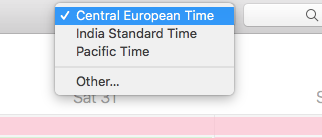
When you add some timezones to your Apple Calendar, it’s somehow difficult to remove them and you end up with a list which you perhaps don’t need anymore:
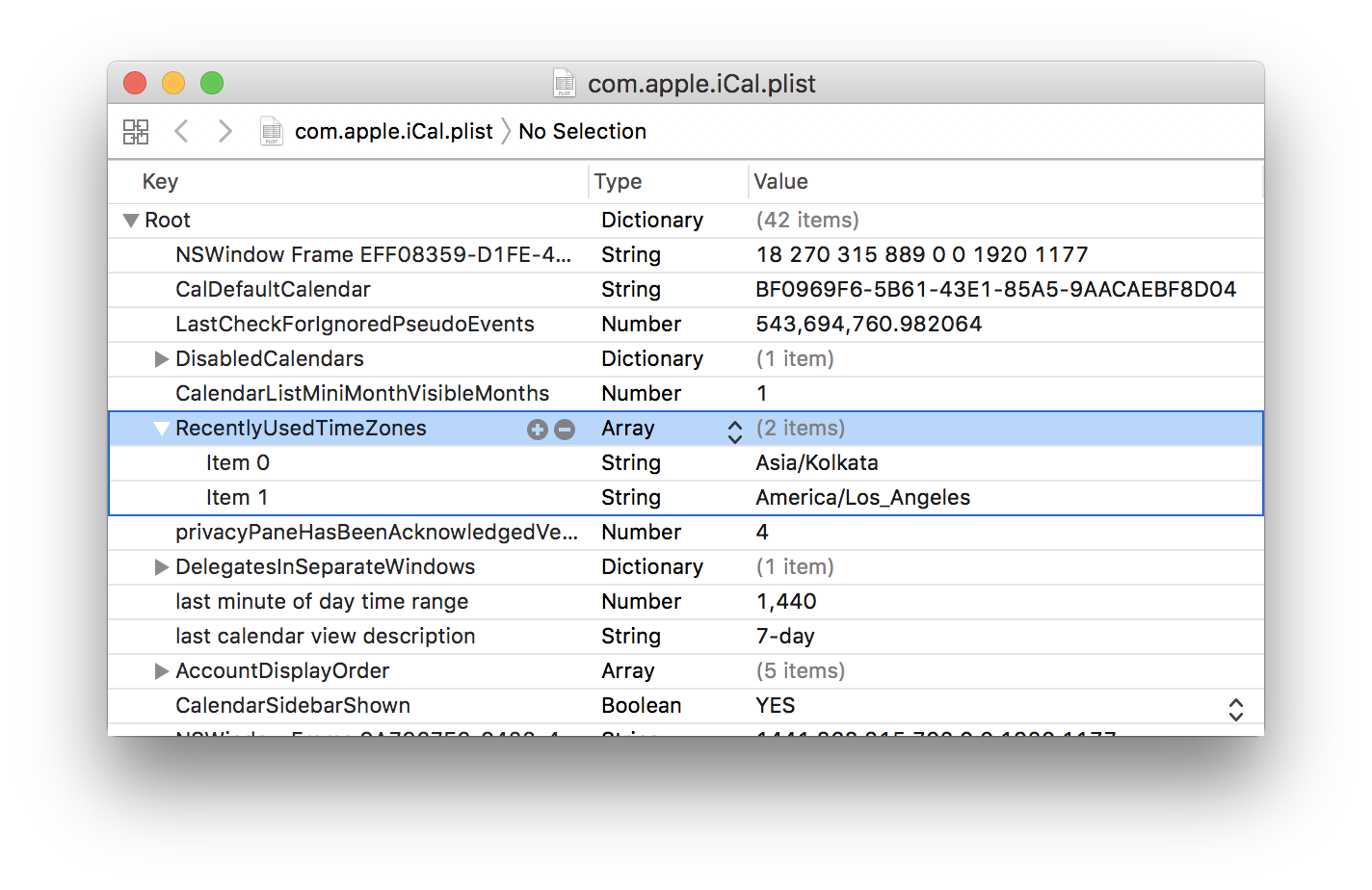
How to remove them? Rather easy, but we need a plist editor (easiest way to get it is to install XCode). Once we have it, just type in your terminal
$ open ~/Library/Preferences/com.apple.iCal.plistFind attribute RecentlyUsedTimeZones, unfold it and delete unwanted items: